

Chạy cụm Spark trên SLURM: thiết lập tái lập được với Pixi và sparkhpc
Chạy khối lượng công việc Spark phân tán trên cụm HPC là công việc phổ biến trong bioinformatics và khoa học dữ liệu. Tích hợp Spark với SLURM, scheduler chiếm ưu thế trong HPC, đòi hỏi sự cẩn thận: tài nguyên tính toán phải được cấp qua SLURM, một Spark master cần được khởi động, các worker phải được điều phối, và những phụ thuộc như Java, PySpark, Python phải sẵn có trên mọi node. Bài viết này mô tả một cách tái lập được để chạy cụm Spark trên SLURM với Pixi quản lý môi trường và sparkhpc điều phối, dựa trên bản triển khai Spark-on-SLURM của gkit.
1. Thách thức: tích hợp Spark + SLURM
1.1. Vì sao chạy Spark trên SLURM?
Trên hầu hết cụm HPC, SLURM kiểm soát việc cấp phát tài nguyên và thực thi job. Để chạy Spark:
- Không thể khởi chạy thẳng tiến trình master và worker của Spark — SLURM phải cấp tài nguyên trước
- Các phụ thuộc (Java, PySpark, Python) phải sẵn có và nhất quán trên mọi node tính toán
- Spark driver cần phát hiện và kết nối tới các node master và worker
- Khi job lỗi hoặc hết thời gian, việc dọn dẹp và ghi log cần có tính xác định
1.2. Cách làm truyền thống
Nếu không có tầng điều phối, việc thiết lập thường được làm thủ công:
# Manually request resourcessalloc -N 2 -c 4 --time=00:30:00
# SSH to first node, start Spark master manuallyssh node1SPARK_HOME=/opt/spark ./bin/spark-class org.apache.spark.deploy.master.Master
# SSH to second node, start worker manuallyssh node2SPARK_HOME=/opt/spark ./bin/spark-class org.apache.spark.deploy.worker.Worker \ spark://node1:7077 --cores 4
# Run your driver scriptpython my_analysis.py
# Manual cleanup# Kill processes if they're still running...Vấn đề:
- Dễ sai sót (dễ quên port, hostname, dọn dẹp)
- Không tái lập được (mỗi thành viên có thể thiết lập một kiểu)
- Phụ thuộc nằm rải rác ở đường dẫn hệ thống hoặc cài đặt thủ công
- Khó tích hợp vào pipeline tự động
1.3. Cách làm ở đây: Pixi + sparkhpc
# Single command sets everything up with reproducible dependenciesmake setup
# Single command runs the entire workflowmake exampleỞ hậu trường:
- Pixi tạo một môi trường cô lập với Python, Java và PySpark được ghim phiên bản cụ thể
- sparkhpc submit một job batch SLURM điều phối việc khởi động Spark
- Một driver Python kết nối, chạy tính toán và tự dọn dẹp
2. Hiểu về kiến trúc
2.1. Ngăn xếp thành phần
┌─────────────────────────────────────────────┐│ User Machine (submit dir) ││ ┌───────────────────────────────────────┐ ││ │ Python Driver (run_example.py) │ ││ └───────────────────────────────────────┘ │└─────────────────────────────────────────────┘ ↓ (sparkhpc.submit())┌─────────────────────────────────────────────┐│ SLURM Controller ││ (sbatch sparkjob.slurm.template) │└─────────────────────────────────────────────┘ ↓ (srun)┌─────────────────────────────────────────────┐│ Spark Master (Node 1) ││ Spark Workers (Nodes 1-N via srun) ││ ││ Environment: Python, Java, PySpark ││ (from Pixi) │└─────────────────────────────────────────────┘2.2. Các tệp chính trong bản Spark-on-SLURM của gkit
spark-on-slurm/├── pixi.toml # Environment definition├── Makefile # User entry points├── sparkhpc/│ ├── run_example.py # End-to-end workflow│ ├── sparkhpc/│ │ ├── sparkjob.py # Base Spark job class│ │ ├── slurmsparkjob.py # SLURM-specific implementation│ │ └── templates/│ │ └── sparkjob.slurm.template # SLURM batch script template│ └── scripts/└── sparkhpc.log # Cluster logs3. Tái lập với Pixi
3.1. Pixi là gì?
Pixi là trình quản lý gói đa nền tảng tạo ra môi trường tái lập được. Khác với venv hay conda, Pixi khóa toàn bộ phụ thuộc bắc cầu, giúp các thiết lập giống nhau giữa nhiều máy.
3.2. Cấu hình pixi.toml
[workspace]authors = ["Vieomics"]channels = ["conda-forge", "bioconda"]name = "spark-on-slurm"platforms = ["linux-64"]version = "0.1.0"
[tasks]sparkhpc-example = "python sparkhpc/run_example.py"
[dependencies]python = "3.11.*"openjdk = "==17.0.18"pyspark = ">=4.1.1,<5"Các điểm chính:
- Channels:
conda-forgevàbiocondacung cấp gói dựng sẵn (bao gồm Java và Spark) - Phiên bản ghim:
openjdk = "==17.0.18"cố định phiên bản Java chính xác giữa các lần chạy - Định nghĩa task: lệnh
sparkhpc-examplechạy driver Python bên trong môi trường Pixi - Platform:
linux-64khớp với cụm HPC thông thường
3.3. Thiết lập môi trường
# Install Pixi (first time)curl -sSL https://pixi.sh/install.sh | sh
# Install dependencies into pixi.lockpixi install
# Run a command in the Pixi environmentpixi run sparkhpc-example# or via Makefilemake exampleKhi pixi run sparkhpc-example thực thi:
- Pixi kích hoạt môi trường đã khóa (Python 3.11, OpenJDK 17, PySpark 4.1)
JAVA_HOMEđược đặt tự độngSPARK_HOMEđược suy ra từ bản cài PySpark- Driver Python chạy trong ngữ cảnh cô lập này
4. Điều phối cụm Spark với sparkhpc
4.1. Lớp sparkjob
Lớp sparkjob bọc Spark trên SLURM bằng cách:
- Sinh script batch SLURM từ một template
- Submit job batch qua
sbatch - Polling để lấy URL master của Spark (đọc từ tệp metadata)
- Khởi tạo ngữ cảnh PySpark kết nối tới master
- Dừng cụm và dọn dẹp khi xong
Ví dụ sử dụng (từ run_example.py):
from sparkhpc import sparkjob
# Create a Spark job: 2 cores total, 2 cores per executor, 10 min walltimesj = sparkjob.sparkjob(ncores=2, cores_per_executor=2, walltime="00:10")
# Submit to SLURMcluster_id = sj.submit()print(f"submitted cluster_id={cluster_id} jobid={sj.jobid}")
# Poll until master starts (max 3 minutes)started = Falsedeadline = time.time() + 180while time.time() < deadline: master = sj.master_url() if master: print(f"master={master}") started = True break time.sleep(1)
if not started: sj.stop() raise RuntimeError("Spark master did not start in time")
# Start PySpark contextsc = sj.start_spark(graphframes_package=None)
# Run Spark actionscount_result = sc.parallelize(range(100)).count()sum_result = sc.parallelize(range(1, 11)).sum()print(f"count={count_result}")print(f"sum={sum_result}")
# Always clean uptry: # ... run spark tasks ...finally: sc.stop() sj.stop() print("cluster stopped")4.2. Template script batch SLURM
Ở hậu trường, sparkhpc sinh một script SLURM có dạng gần như sau:
#!/bin/bash#SBATCH --job-name=sparkjob#SBATCH --nodes=1#SBATCH --cpus-per-task=2#SBATCH --time=00:10:00#SBATCH --output=sparkcluster-%j.log
# Start Spark master on this nodeexport SPARK_HOME=/path/to/pyspark$SPARK_HOME/bin/spark-class org.apache.spark.deploy.master.Master \ --host $(hostname) \ --port 7077 \ --webui-port 8080 \ > master.log 2>&1 &MASTER_PID=$!
# Extract master URL and write to metadata filesleep 2MASTER_URL="spark://$(hostname):7077"echo $MASTER_URL > $HOME/.sparkhpc_${SLURM_JOBID}_master
# Start Spark workers via srun (parallel on allocated nodes)srun $SPARK_HOME/bin/spark-class org.apache.spark.deploy.worker.Worker \ --cores 2 \ $MASTER_URL
# Cleanupwait $MASTER_PIDCác điểm chính:
- Master gắn với hostname của node và port 7077
- URL master được ghi vào tệp metadata để driver phát hiện
srunsong song hóa việc khởi động worker trên các node được cấp phát- Mọi tiến trình chạy trong phần cấp phát của SLURM và dọn dẹp khi job kết thúc
4.3. Cách driver phát hiện master
Phương thức master_url() polling tệp metadata:
def master_url(self): """Check if master URL is available in metadata file.""" metadata_path = f"{os.path.expanduser('~')}/.sparkhpc_{self.jobid}_master" if os.path.exists(metadata_path): with open(metadata_path, 'r') as f: return f.read().strip() return NoneCách này tránh phải ghim cứng hostname (vốn khác nhau giữa các cụm) và cho phép driver cùng master chạy bất đồng bộ.
5. Chạy ví dụ cục bộ hoặc trên cụm SLURM
5.1. Thiết lập cục bộ
Nếu bạn có một cụm SLURM cục bộ (ví dụ qua Docker):
cd spark-on-slurm
# Install dependenciesmake setup
# Run the examplemake exampleOutput mong đợi:
submitted cluster_id=abc123 jobid=12345master=spark://node1:7077count=100sum=55cluster stopped5.2. Trên cụm HPC thật
Các lệnh tương tự cũng chạy được trên cụm HPC quản lý bởi SLURM:
# Log in to the clusterssh user@hpc.example.comcd spark-on-slurm
# First time: install Pixi and dependenciesmake setup
# Run Spark via SLURMmake example
# View Spark master logs if neededtail -f sparkhpc/sparkcluster-*.log5.3. Dọn dẹp
# Remove generated artifactsmake clean
# Manually check for lingering jobssqueue -u $USER6 Những điểm chính
- Pixi cung cấp môi trường tái lập được — mọi phụ thuộc (Python, Java, PySpark) được khóa trong
pixi.lock - sparkhpc điều phối Spark trên SLURM — xử lý submit batch SLURM, khởi động master và điều phối worker
- Tệp metadata giúp driver phát hiện master — không ghim cứng hostname hay port
- Chạy bằng một lệnh —
make setuprồimake example, hoặcpixi run sparkhpc-example - Phù hợp cho pipeline HPC — cùng thiết lập mở rộng từ kiểm thử cục bộ lên cụm thật
Kết hợp tính tái lập của Pixi với điều phối SLURM của sparkhpc giúp xây dựng các workflow Spark có thể kiểm toán và di động giữa các cụm.
Tài liệu tham khảo
- Tài liệu Pixi — quản lý môi trường tái lập được
- Repository sparkhpc trên GitHub — khung Spark-on-HPC gốc
- gkit Spark-on-SLURM — bản triển khai cập nhật hỗ trợ Spark/SLURM hiện đại
- Apache Spark on HPC Clusters — tài liệu chính thức của Spark
- SLURM Workload Manager — lập lịch job và quản lý tài nguyên HPC
- Xây dựng cụm Slurm HPC (Phần 1) — nền tảng để triển khai SLURM
- Kiểm thử playbook Ansible cho HPC bằng Molecule — kiểm thử tự động cho hạ tầng HPC
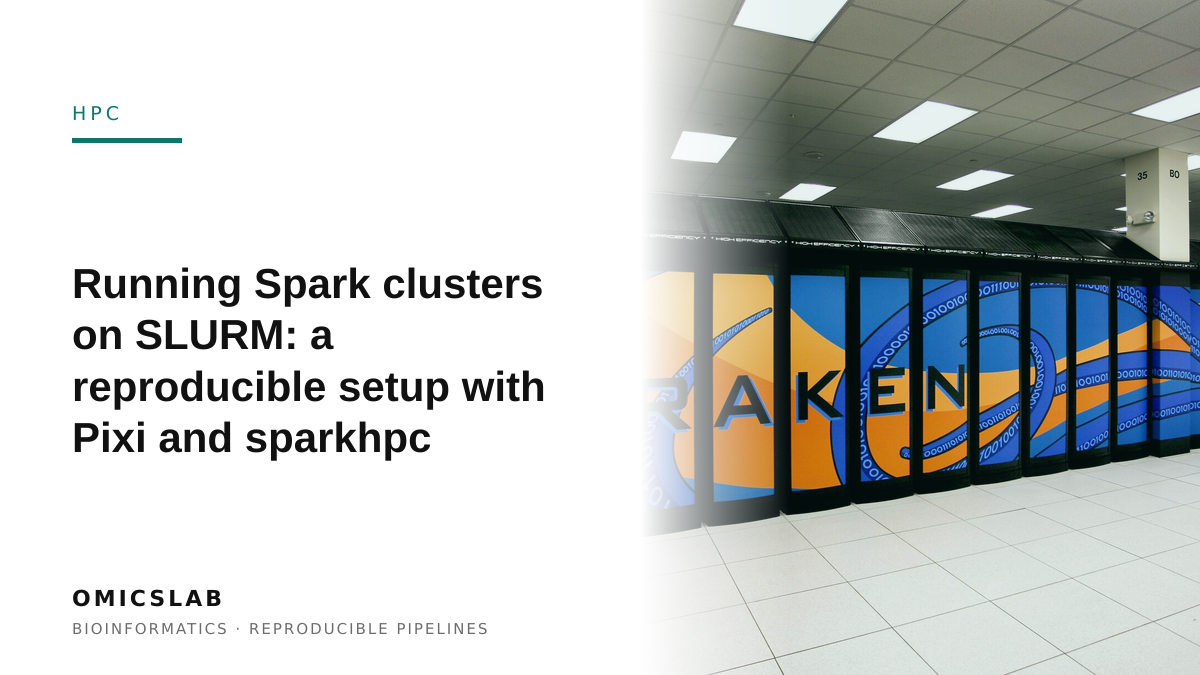
- Ảnh bìa: Kraken Supercomputer (3592578852) — Oak Ridge National Laboratory, Wikimedia Commons, CC BY 2.0
Bài viết liên quan
Xem tất cả bài viết →
23 tháng 03, 2026
Gọi biến thể (Phần 9): Tối ưu chi phí lưu trữ với định dạng CRAM

11 tháng 02, 2026
Container trên HPC: từ Docker đến Singularity và Apptainer
19 tháng 01, 2026